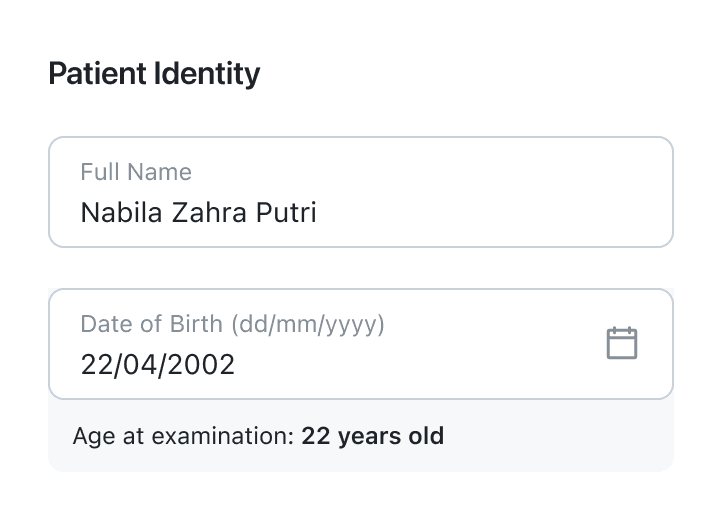
Patient Details
Record essential patient information, including name and date of birth.
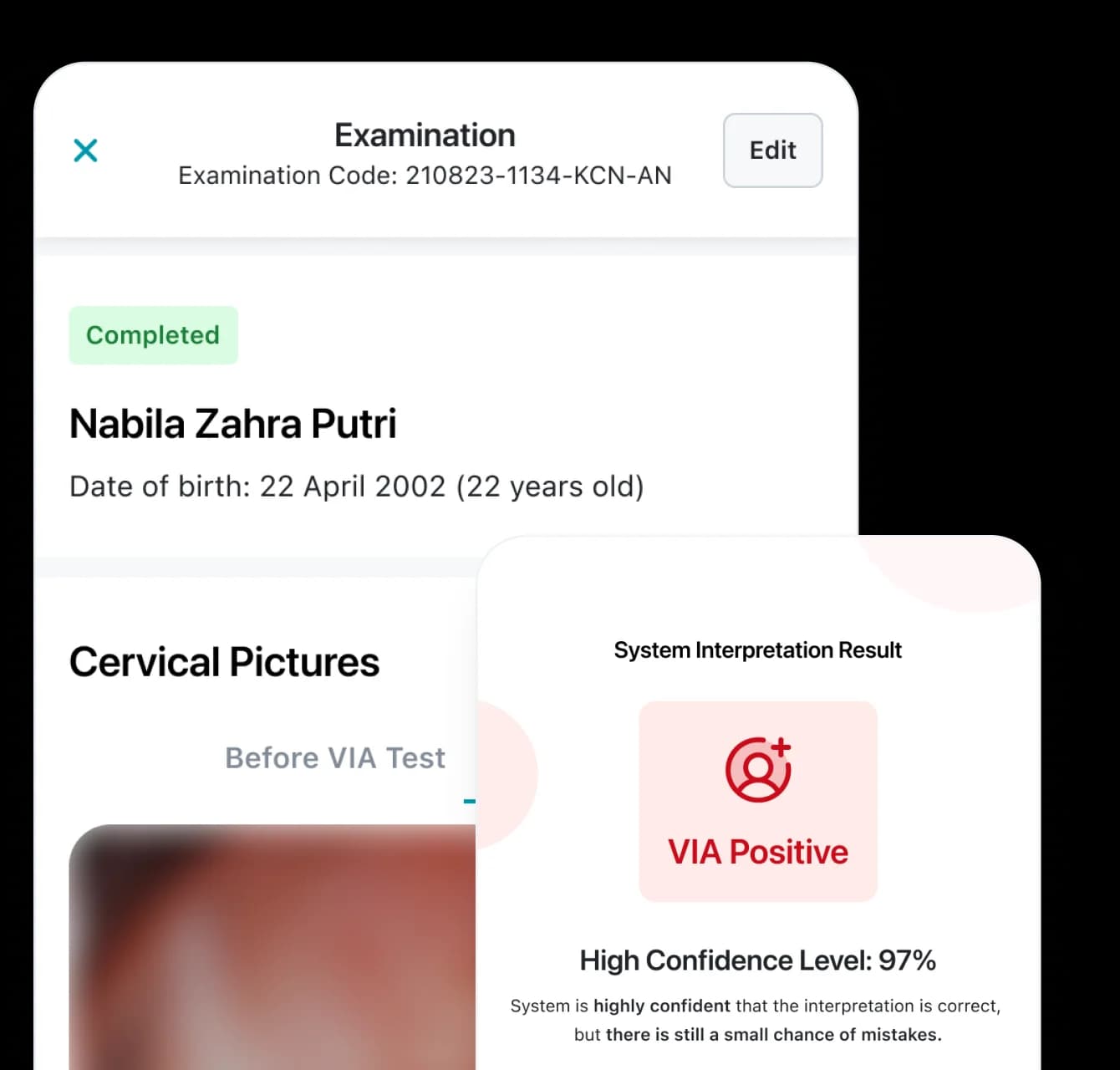
HerLens enhances the existing VIA workflow with real-time AI support, helping healthcare workers screen more accurately, document every examination, and deliver better care.
Available for Android and iOS, provided by HerLens
Core Capabilities
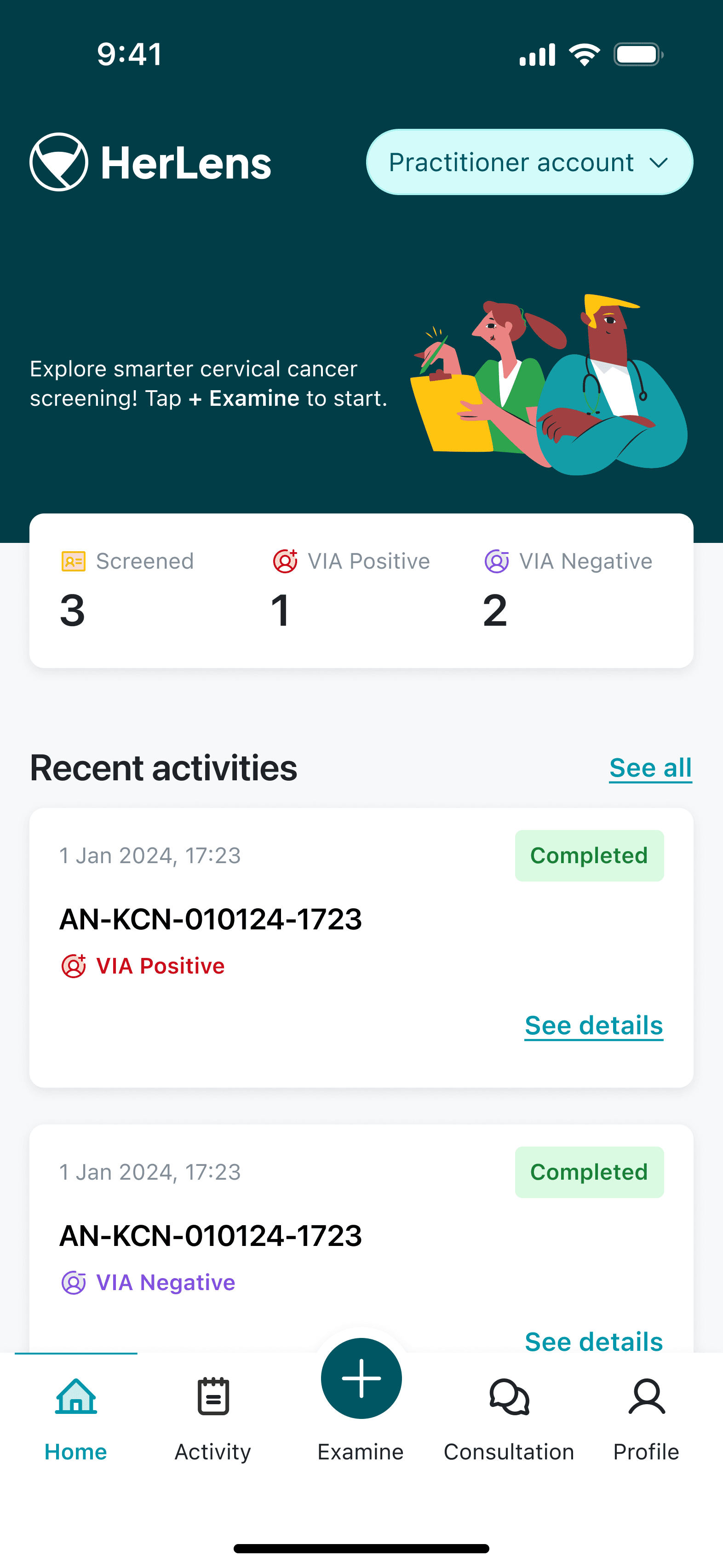
The HerLens app follows the existing VIA workflow, enhancing it with a user-friendly interface.
Fits seamlessly into the existing VIA examination, making adoption simple with minimal training.
Provides an AI second opinion (VIA Positive or Negative) during screening to support more confident clinical decisions.
Guides image capture with optimized smartphone imaging for clearer cervical visualization.
Digitizes every examination with structured records that are easy to review and manage every time.
Securely shares examination results with patients through verified access and real-time updates.
The interface is built for healthcare workers who work in Bahasa Indonesia, with English available for partners and collaborators.
Inside HerLens App
Capture, assess, document, and share every examination from a single smartphone app.
Step 1
Record essential patient information, including name and date of birth.
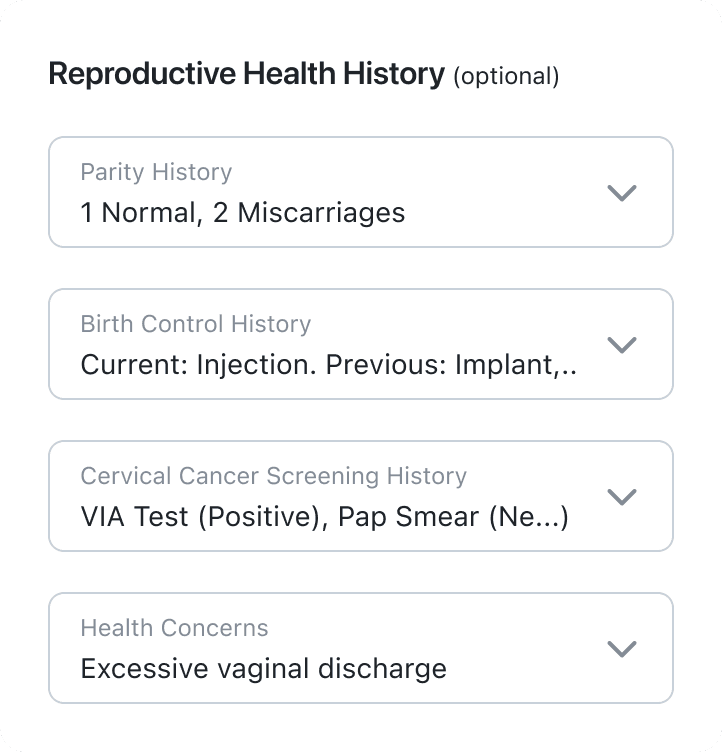
Capture medical history, previous screenings, contraception, parity, and relevant health concerns.
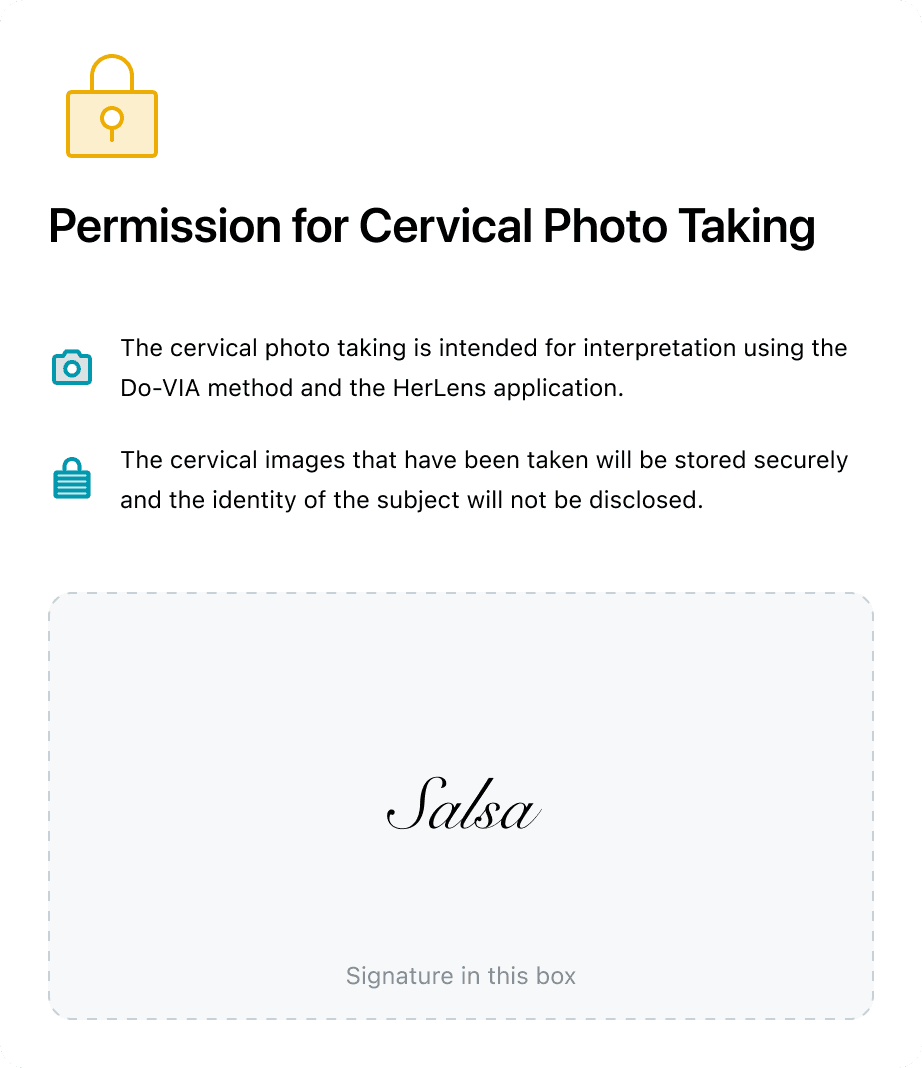
Obtain patient consent before every examination, all within the app.
Step 2
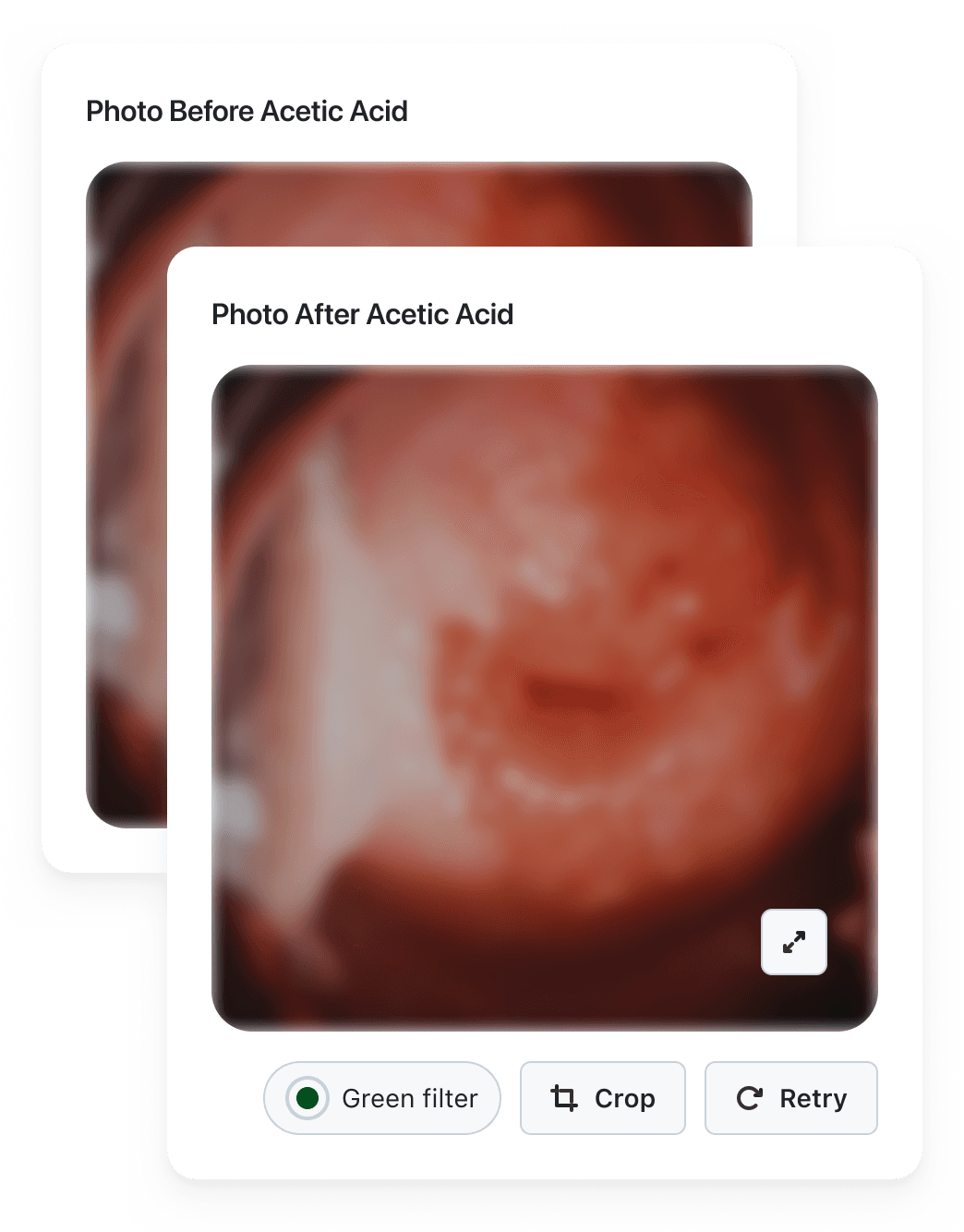
Capture images before and after the VIA exam for easier comparison.
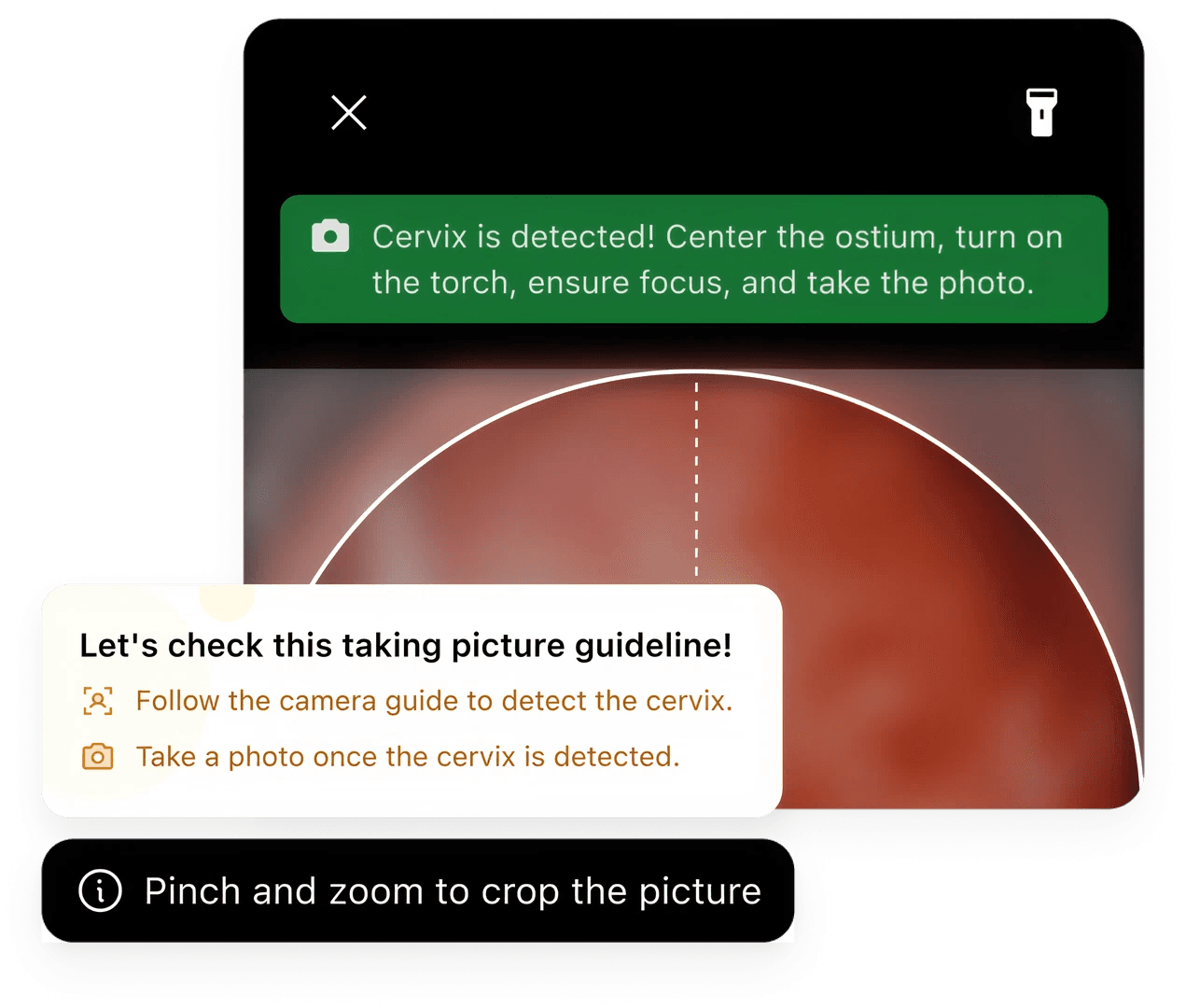
Built-in guidance, flash, and cropping help ensure high-quality cervical images.
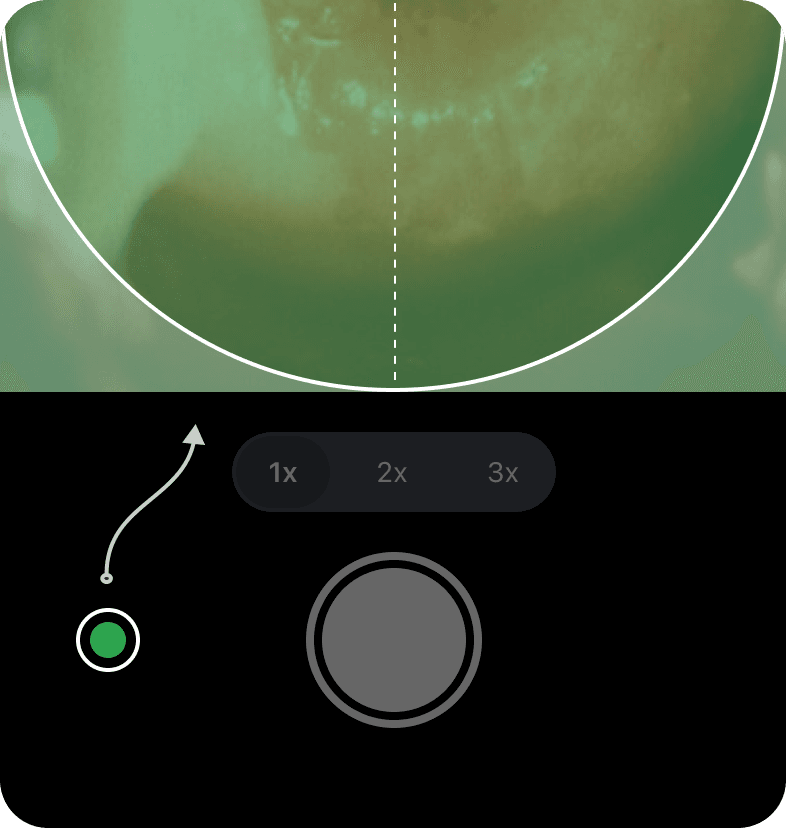
Enhances the visibility of abnormal vascular patterns that may indicate precancerous lesions.
Step 3
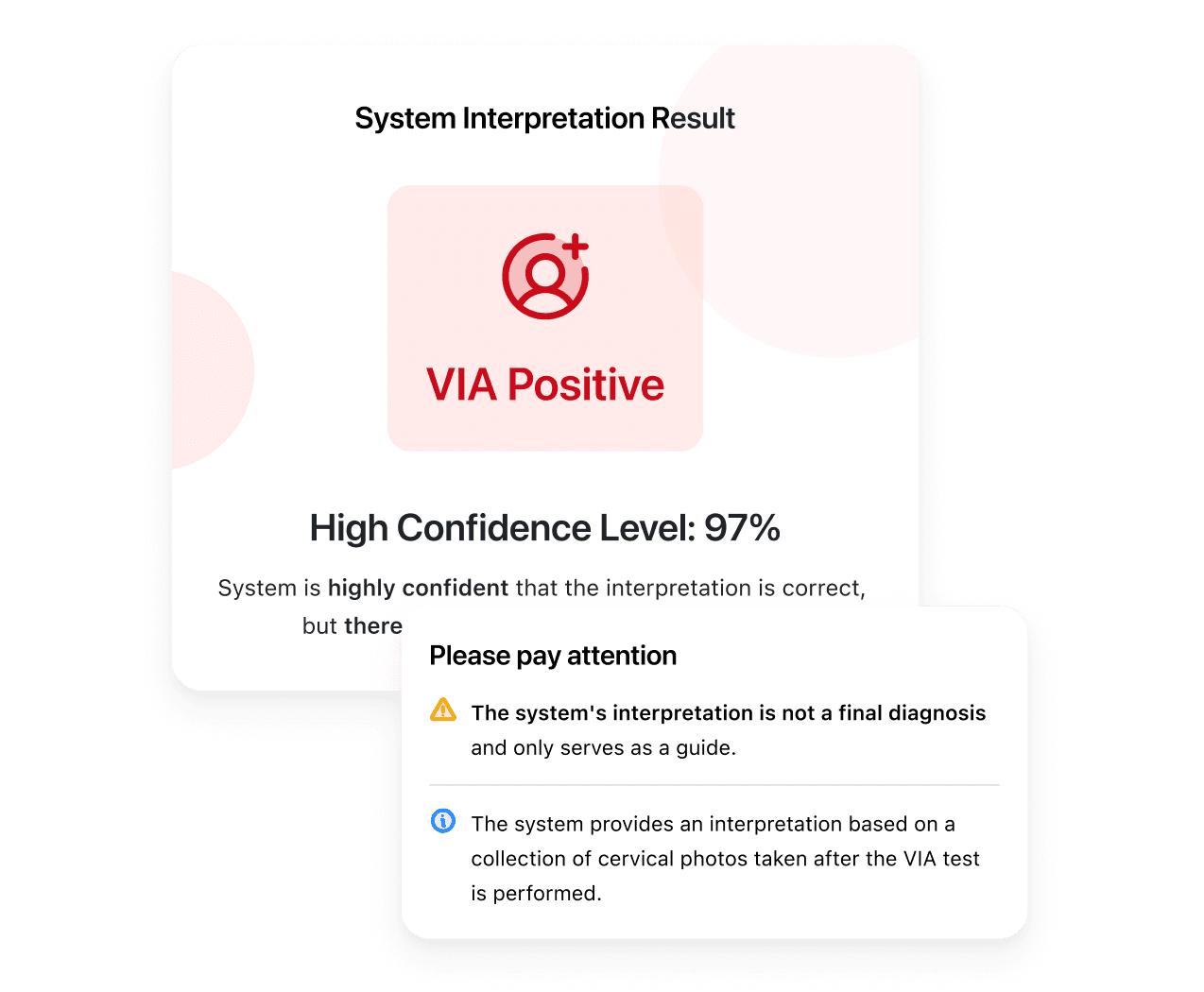
Receive an instant AI second opinion with VIA interpretation and confidence score.
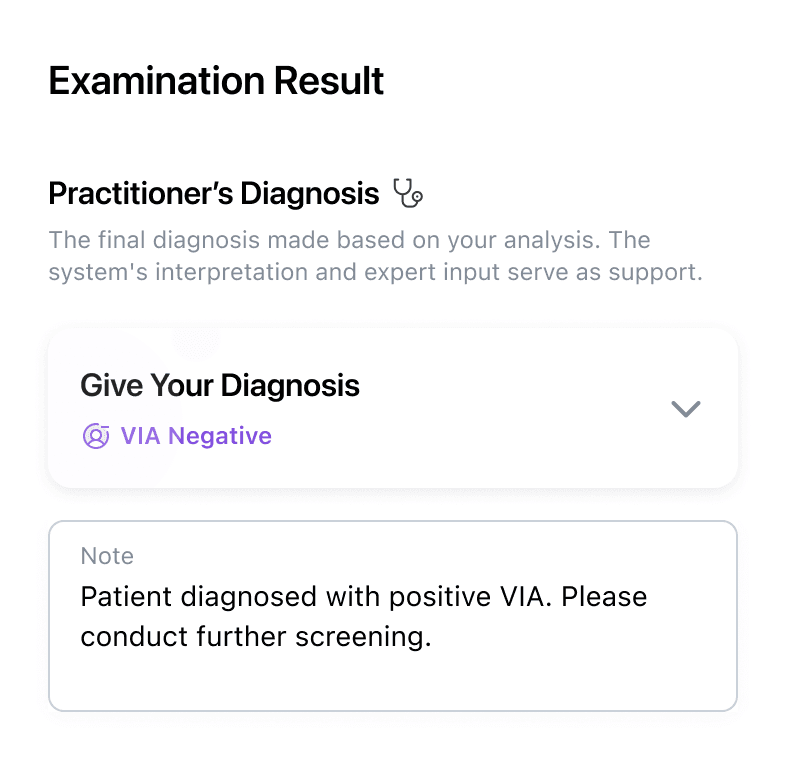
Healthcare workers remain in control of the final assessment and clinical notes.
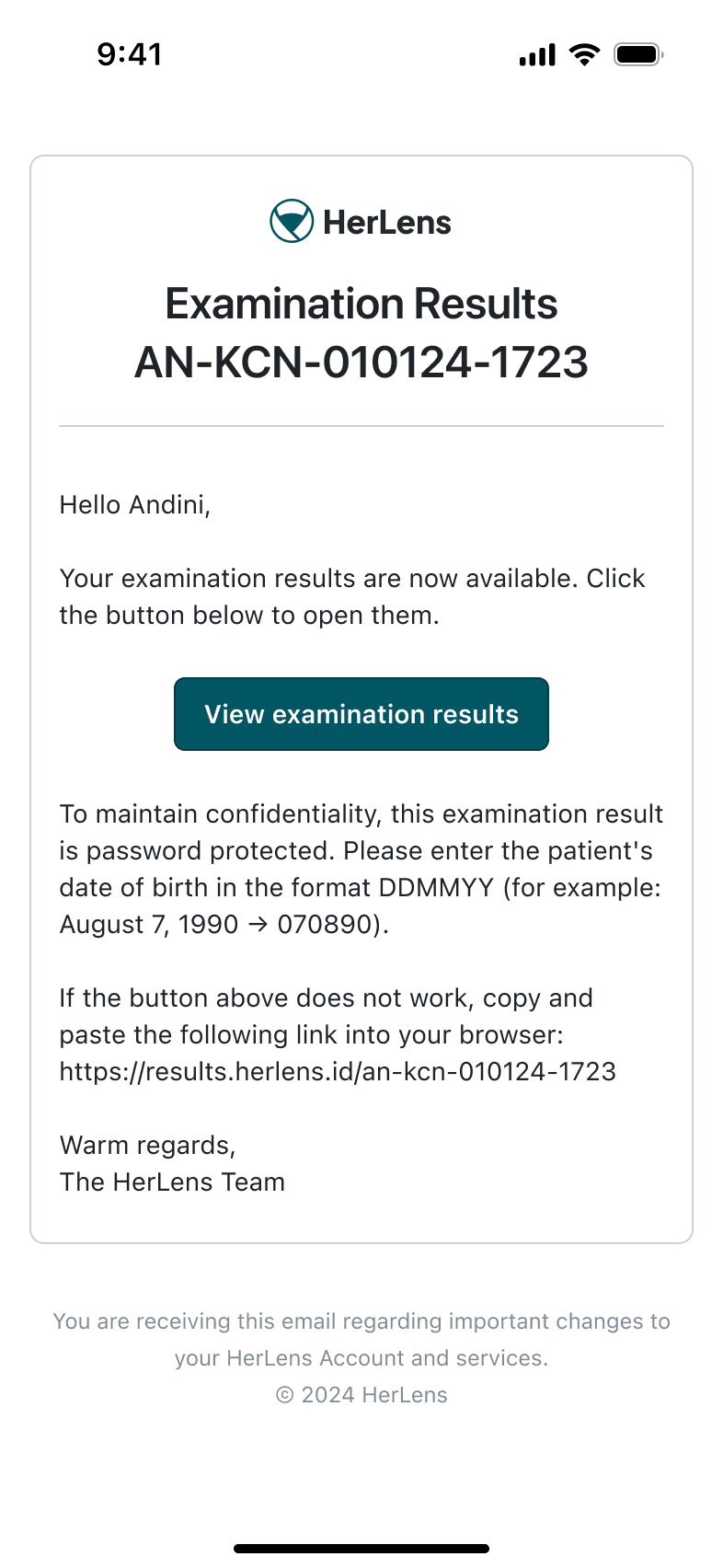
Share examination results with patients through a verified, secure link.
Minimal Learning Curve
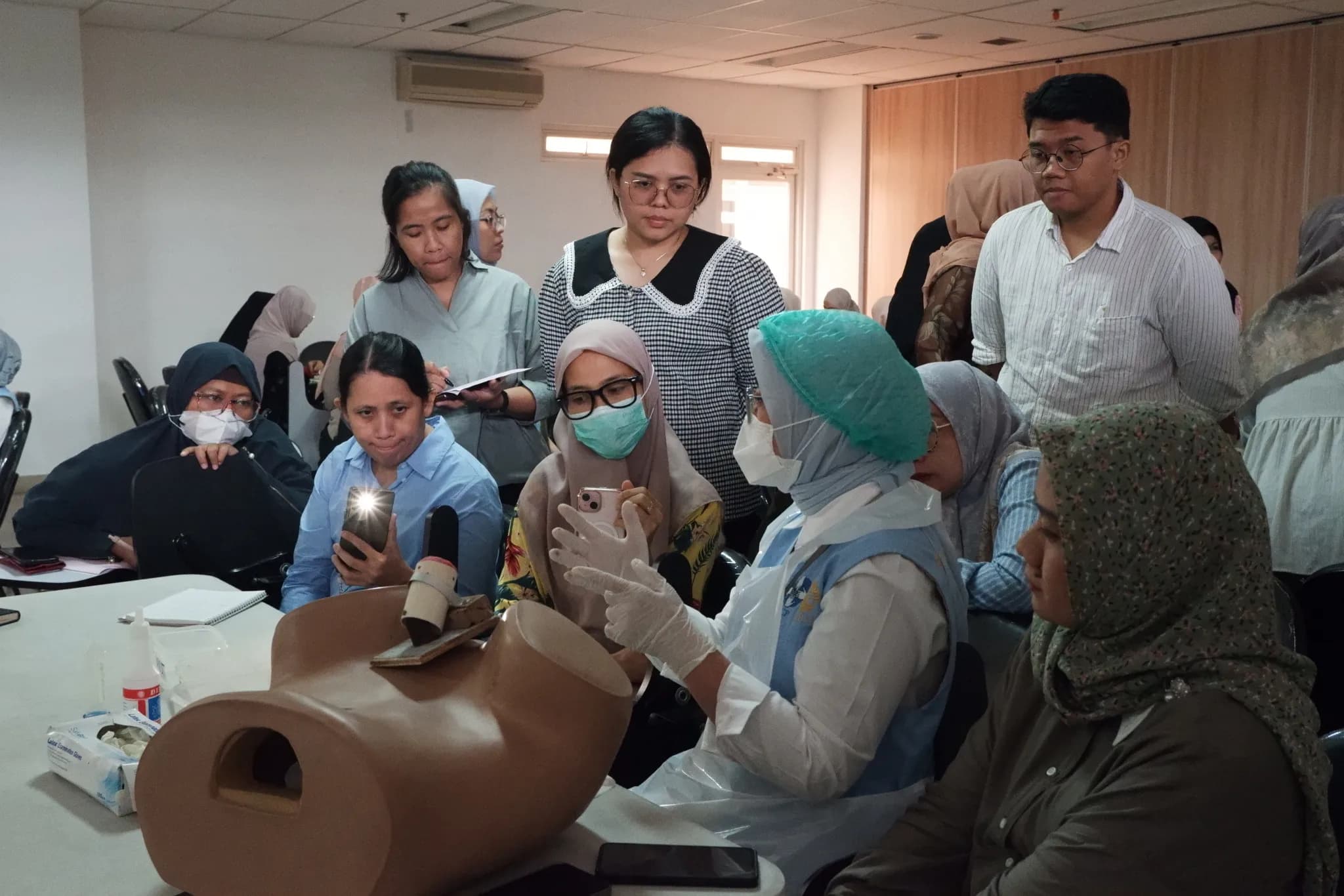
Designed with a familiar and friendly user experience, so healthcare workers can start screening confidently with minimal training.
Core training runs in a single hands-on session, not a multi-day course.
In-person onboarding, supported by short in-app guides available.
Follows the existing VIA process, making adoption simple.
See HerLens in Action
Explore how HerLens enhances the VIA workflow with real-time AI support.